Guided troubleshooting for door and operator manufacturers.
Lingo turns your control and operator manuals into step-by-step guides. Your technical team checks and publishes each one. Door engineers follow them on WhatsApp, Teams, web or email, and questions a guide does not cover go to your team.


Lingo
Online


Setting the door limits
PublishedQUESTION
Is the display fitted?
ANSWERS
- 1.Yes, I have the display
- 2.No display
FIX
1. Open the settings menu. 2. Scroll to LIMITS. 3. Run to the upper position, press SET. 4. Run to the lower position, press SET.
Your manuals already hold these procedures.
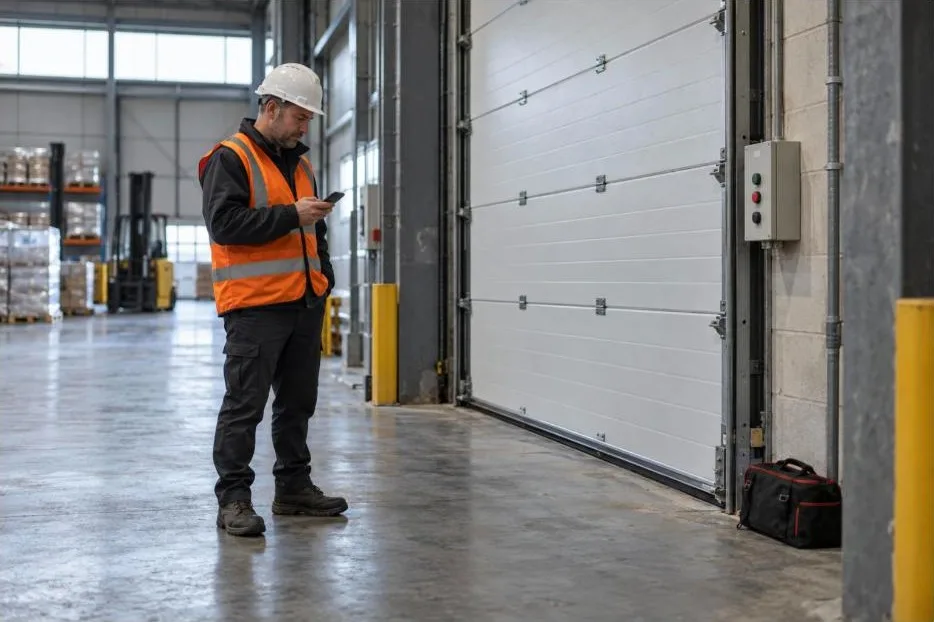
Limit setting, travel direction, safety edge and photocell connection, programming and fault indications are set out in a door control manual. Getting the right page to an engineer at the door is harder.
A control manual is a long document
Three current control manuals run to 53, 68 and 76 pages. One sets out more than 30 programming items and a fault table several pages long.
It is rarely the only document
A control’s instructions cover part of the door. Limit switches, safety devices and accessories often have their own. One manual says it is “not sufficient as the sole instructions for the overall system”.
Technical lines keep office hours
Three UK manufacturers and suppliers publish weekday office hours, ending at 5pm or earlier.
The engineer may not be your customer
Drives and controls often reach site through a door manufacturer or a distributor, so the person asking may never have dealt with you.
From a control manual to a published guide.
- 1
You send the documents for one product
Control, drive and accessory manuals, and any service bulletins.
- 2
Lingo drafts the guides
Each guide covers one task, such as setting the limit positions, as a short sequence of questions and fixes. A question might be whether the travel direction has been checked. The answer decides which steps follow.
- 3
Your technical team reviews and publishes
They check each draft against the manual, correct it and publish it, and decide which tasks get a guide.
- 4
Engineers message a WhatsApp number
Lingo confirms which product they have, asks the guide’s questions one at a time and sends the steps. They can ask for a person at any point.
Setting the limit positions
PublishedQUESTION
Has the travel direction been checked?
ANSWERS
- 1.Yes, it is correct
- 2.Not yet
FIX
1. Check the travel direction first. 2. Follow the direction check for this control. 3. Come back here to set the limits.
What a guide covers, and where your team comes in.
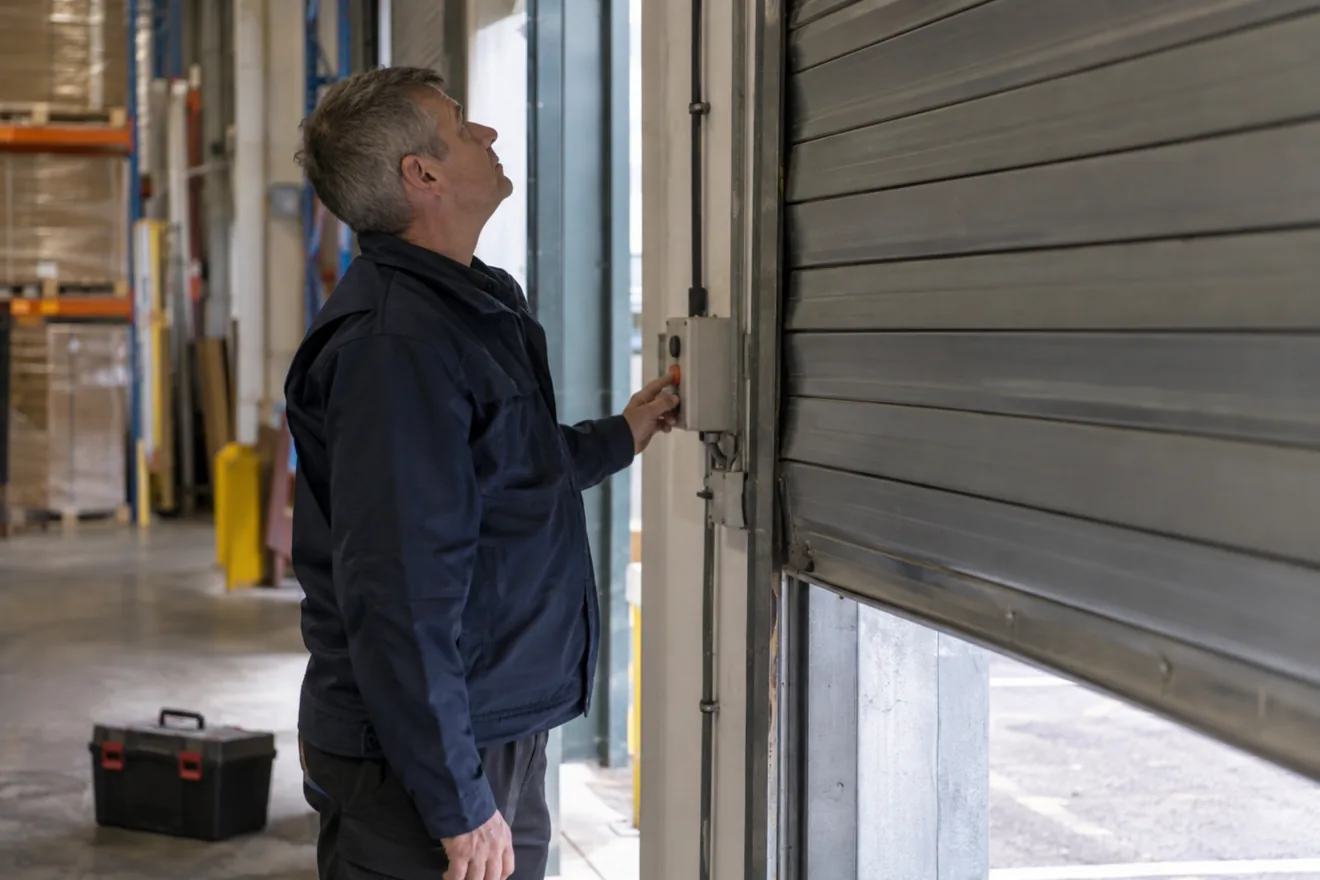
A guide carries what your documents say. Your team is one message away for everything else.
Suited to a guide
- Setting limit positions and checking travel direction
- Programming menu items and parameters
- What a fault indication means, and the checks your manual lists for it
- Connecting a safety edge, photocell or light grid, for the variant fitted
- Service counters and intervals
Where your team comes in
Force testing
Door & Hardware Federation guidance is that a CE- or UKCA-marked door is still force tested on installation. A guide tells the engineer the test is due at that point in the job.
Springs and suspension
Where your fault table ends in a mechanical check, your team decides whether a guide gives it or passes the engineer to a person.
Alongside your service tool
Lingo works from what the engineer tells it, on any phone. It runs alongside a service tool that reads the fault memory or settings.
Site judgement
Risk assessment, third-party safety devices and modifications depend on the installation. A guide can pass those questions to your team in one step.
What your technical team knows
A fix your technical team knows, beyond what the manual says, can be written into the guide. Every door engineer who reaches that point is then sent it.
Your team decides what an engineer is told.

You choose what gets a guide
A procedure you would only talk a trained engineer through by phone can be left out, or can end by passing the engineer to your team.
You choose who can use it
Access can be limited to phone numbers you approve, added one at a time or imported as a list.
You keep a record
Each conversation is kept with the engineer’s name and number, the product and the guide used.
You set the hours for people
Lingo answers at any time. A request for a person reaches your team by email, and they reply in the same WhatsApp conversation with the earlier messages in front of them. Outside the hours you set, the engineer gets your out-of-hours message.
Industrial doors
Lingo has transformed how we support our engineers. The questions that used to tie up our technical team now get answered on site, in seconds. Engineers keep jobs moving, and our specialists finally have time for the harder problems.
 Rich Hopkins, Information Technology DirectorMarantec England
Questions door and operator manufacturers ask
We already have a service app and a fault guide. What does Lingo add?
A service tool reads the control. Lingo takes the engineer through the procedures in your documents on any phone, with no extra hardware or login, and brings your team into the same conversation when the engineer asks. The two work side by side.
Can it cover controls we no longer sell?
Yes, where the documents exist. Each product has its own guides and the engineer is asked which product they have. Where two products are easily confused, your team adds a question that tells them apart.
What happens when an engineer asks something no guide covers?
The question is passed to your team by email and they reply in the same WhatsApp conversation. They can then add the answer to a guide.
How much work is it for our team?
Reviewing the drafts is the main work. One control manual produces dozens of draft guides, and each needs checking against the source.
How is it priced?
By the number of products you support, from £500 a month for five products. There is no setup fee and no limit on the number of engineers or conversations.
Related use cases
Use case
Commissioning and setup
Your commissioning procedure as ordered questions and steps.
More on commissioning and setupUse case
Fault codes
The manual’s checks for a fault indication, then a handover to your team.
More on fault codesUse case
Wiring and connections
The documented connection steps for the accessory and variant fitted.
More on wiring and connections
Further reading
Article
How Lingo turns a manual into a guide
Read the articlePricing
Priced by the number of products you support
See pricing
Sources, read 8 October 2026: three current door control manuals from two manufacturers; the DHF’s industrial doors FAQ; HSE, Ensuring powered doors and gates are safe; three UK manufacturer and supplier contact pages.
Send us one control manual.
We’ll convert it and show you your own guide in a 15-minute walkthrough.