Book a walkthrough
English

Automated troubleshooting for OEMs

Resolve repeat support queries instantly.

Lingo turns your OEM documentation into step-by-step resolutions your technical team has approved and delivers them to installers over WhatsApp at any hour.

Opening frame of the Lingo film

This isn’t a chatbot that invents answers.

Every answer is a validated resolution step: written from your documentation, checked by your technical team and followed in order. The same question gets the same answer every time.

Lingo

Online

Installer: How do I reset the Series 200 to factory settings?
Lingo: Is the display fitted? 1. Yes, I have the display 2. No, reset without the display
Installer: 1
Lingo: Which reset do you need? 1. Settings only 2. Settings and calibration 3. Not sure which I need
Installer: 1
Lingo: 1. Open the advanced menu. 2. Scroll to DEFAULTS. 3. Choose YES and exit. 4. Calibration is kept.
Lingo sent a file: Series_200_Layout.pdf
Lingo: Let me know if that worked for you.
Installer: That worked great, thanks!

Guide: Restoring factory settings

Published
Start

QUESTION

Is the display fitted?

ANSWERS

  1. 1.Yes, I have the display
  2. 2.No, reset without the display

QUESTION

Which reset do you need?

ANSWERS

  1. 1.Settings only
  2. 2.Settings and calibration
  3. 3.Not sure which I need

FIX

1. Switch off the power. 2. Hold the SET button. 3. Switch the power back on. 4. Release when the light flashes.

FIX

1. Open the advanced menu. 2. Scroll to DEFAULTS. 3. Choose YES and exit. 4. Calibration is kept.

Series_200_Layout.pdf

Attached. Sent with this fix.

FIX

1. Switch off, then on again. 2. Hold all three buttons. 3. Release after 5 seconds. 4. Run calibration before use.

ROUTE TO HUMAN

Passed to your technical team with the conversation so far.

Yes, I have the displayNo displaySettings onlySettings and calibrationNot sure
  • Path this installer followed
  • Other validated paths
  • Not in the guide: goes to your team
  • Written from your documentation

    Guides are built from the manuals, service bulletins and commissioning guides you already have. Nothing is added unless it comes from your documentation or your own technical team.

  • Checked by your technical team

    Every path is reviewed and approved before an installer sees it. Diagrams, documents and video are attached where they help.

  • The same answer every time

    The guide is followed in order, one step at a time. Two installers with the same fault get the same resolution.

How Lingo works

Four steps from the manuals you already have to a guide your installers can use.

1

Upload

Manuals, service bulletins, commissioning guides. Whatever you have.

Manuals, service bulletins, commissioning guides. Whatever you have.

2

Generate

Lingo converts your documents into step-by-step guides.

Lingo converts your documents into step-by-step guides.

3

Validate

Your technical team reviews each path and attaches diagrams and video.

Your technical team reviews each path and attaches diagrams and video.

4

Deploy

Switch it on across WhatsApp, Teams, web and email.

Switch it on across WhatsApp, Teams, web and email.

Delivered over apps your installers already use.

Coming soon

Written once. Read in each installer’s language.

One guide step, shown in each installer’s language. Your team maintains a single guide.

  • Français4. Lancez l’étalonnage avant utilisation.
  • English4. Run calibration before use.
  • Deutsch4. Vor Gebrauch kalibrieren.
  • Español4. Calibre el equipo antes de usarlo.
  • Italiano4. Eseguire la calibrazione prima dell’uso.

When installers need a person, Lingo escalates.

Anything the guide does not cover goes to your technical team with the conversation so far.

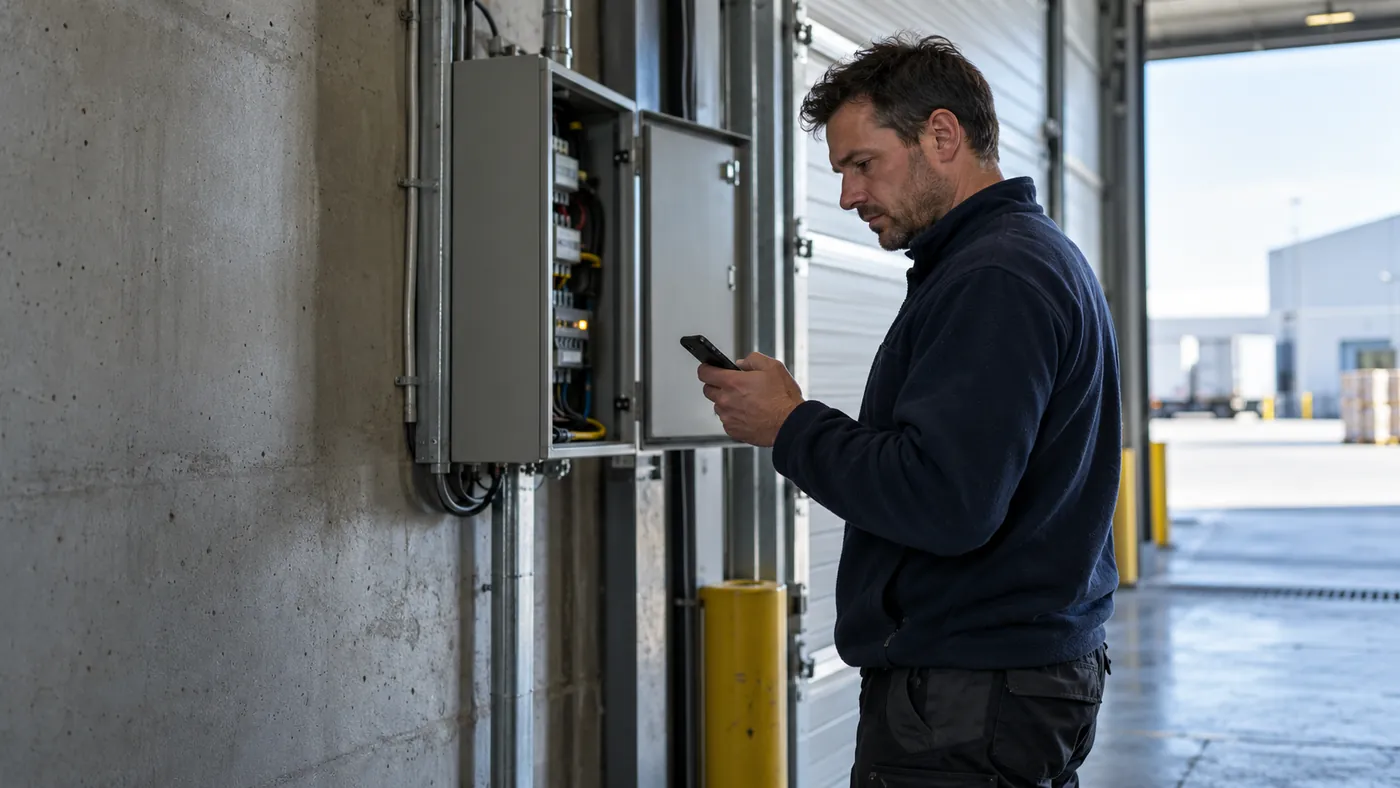
The escalation, as it lands

Your technical team sees the installer’s question, the steps already tried from the guide, and any photos or voice notes sent with it.

The guide gains a branch

Once your team has answered, the fix is added to the guide as a new branch for review. Once approved, it answers the next installer.

Insights

See what installers ask, and where your guides fall short.

The dashboard shows what was asked, what Lingo answered and what went to your team.

Overview

Last 30 days
Questions asked
128
Answered by Lingo
104
Escalated to a human
24
Human reply time
6 min

Questions by product

Series 200 controller
61
Series 300 controller
42
Series 200 display
25

Questions by topic

Restoring factory settings
34
Clearing error E04
27
Running calibration
19

When installers ask

Sample data: 128 questions asked, 104 answered by Lingo, 24 escalated to a human, with a human reply time of 6 minutes.
  • Answered or escalated

    How many questions Lingo answered from the guides, how many went to your team, and how quickly your team replied.

  • Where the guides fall short

    Questions with no matching guide show which products and topics your documentation needs to cover next.

  • Who is asking, and when

    See which installers use Lingo most and how much demand arrives outside support hours.

Online. 24/7.

What changes once the routine queries are handled.

Customers

In use with OEM technical teams.

Industrial doors and shutters

Lingo has transformed how we support our engineers. The questions that used to tie up our technical team now get answered on site, in seconds. Engineers keep jobs moving, and our specialists finally have time for the harder problems.
Rich Hopkins, Information Technology DirectorMarantec England

Access control

With Lingo we can give installers a level of support we simply couldn’t offer before. Help is there around the clock and is backed by our own technical knowledge. It’s changed what we can deliver without having to grow the team.
Cormac Phelan, Assistant General ManagerFAAC Ireland

What are routine queries costing your team?

0
0%

Estimated cost of routine queries

£0

per year, in technical staff time

See the full calculation

Built for OEMs with an installer network.

  • If your products are configured on site

    Commissioning, parameters, calibration and wiring have to be right before the product works.

  • If installers reach you through distributors

    Questions pass along a chain of callbacks before they get to your technical team.

  • If the same questions come in every week

    Most of them are already answered somewhere in your documentation.

  • If your documentation already exists

    Manuals, service bulletins and commissioning guides are the starting point.

Frequently asked questions

What is Lingo?

Lingo is troubleshooting software for manufacturers. It turns your manuals, service bulletins and commissioning guides into step-by-step guides your technical team approves, and delivers them to installers over WhatsApp, Teams, web and email.

How is Lingo different from an AI chatbot?

A chatbot writes a new answer each time it is asked. Lingo follows a guide your technical team has already approved, so the same question gets the same answer. If the guide does not cover a question, Lingo passes it to your team instead of guessing.

What does Lingo need from us to get started?

The documentation you already have for a product: manuals, service bulletins and commissioning guides. Your technical team then reviews the guides before they go live.

What happens when an installer asks something the guide does not cover?

The question goes to your technical team with the conversation so far. Their answer can be added to the guide, so the next installer with the same question gets it from the guide.

Do installers need to download anything?

No. They message a WhatsApp number, or use Teams, web or email. They can type, send a voice note or call.

How is Lingo priced?

By the number of products you support, from £500 a month for five products. Paying annually saves 20%.

Send us one manual.

We’ll convert it and show you your own guide in a 15-minute walkthrough.